

table of contents
How to Set Up a TikTok Shop: A Step-by-Step Guide
As it continues to flourish, TikTok is no longer just a platform for short dances and viral memes (although people are holding space for this – if you know, you know) it’s a powerhouse for e-commerce. With TikTok Shop, brands can leverage the app’s unique algorithm to showcase their products to a highly engaged audience and make sales directly on the platform.
Why TikTok Shop?
- Sell In-App Directly: Easily incorporate products into live streams, videos, and a special shop tab.
- Use Algorithm-Driven Discovery: Products have an easier time going viral thanks to TikTok’s personalised feed.
- Reach Younger Audiences: Research shows Gen Z and Millennials are increasingly spending time on the app and therefore the opportunity to reach and influence their shopping patterns is huge.
Still not certain? Here are some statistics:
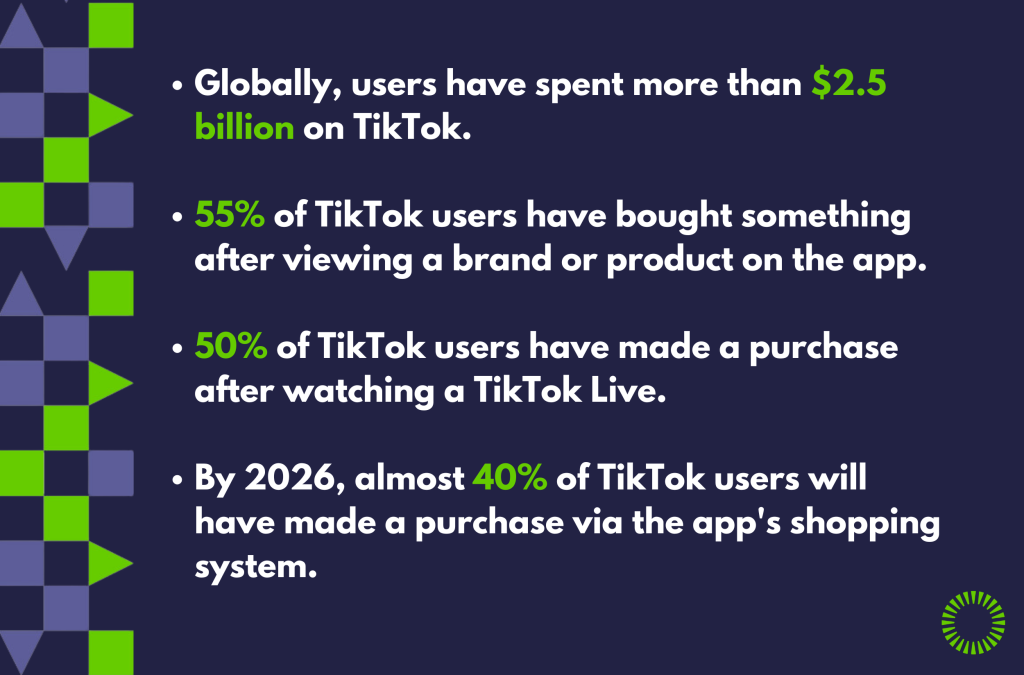
(Source: Business Dasher)
It’s clear consumers are shifting to TikTok to influence their purchasing decisions and therefore there is opportunity to take advantage of this to benefit your business. Here is a step-by-guide on how to set up a TikTok Shop for your business:
Step-by-Step Guide to Set Up a TikTok Shop
- Check Eligibility
Before you begin, make sure your business satisfies TikTok’s eligibility requirements:
- Operate in a supported area, such as the US (for now…), UK, Ireland and several Asian markets.
- Sell physical products (provision of services and digital offerings are currently not supported)
- Hold a business licence / registration for a company or proof of identification for individual sellers.
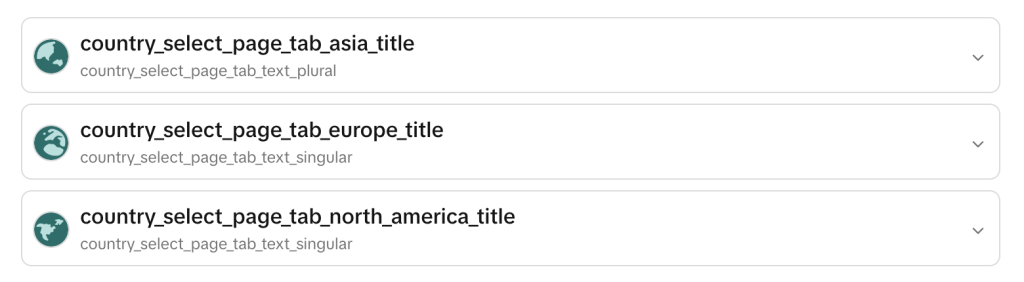
2. Create a TikTok Seller Account
Visit the TikTok Seller Centre and sign up, fill in company information and submit documentation.
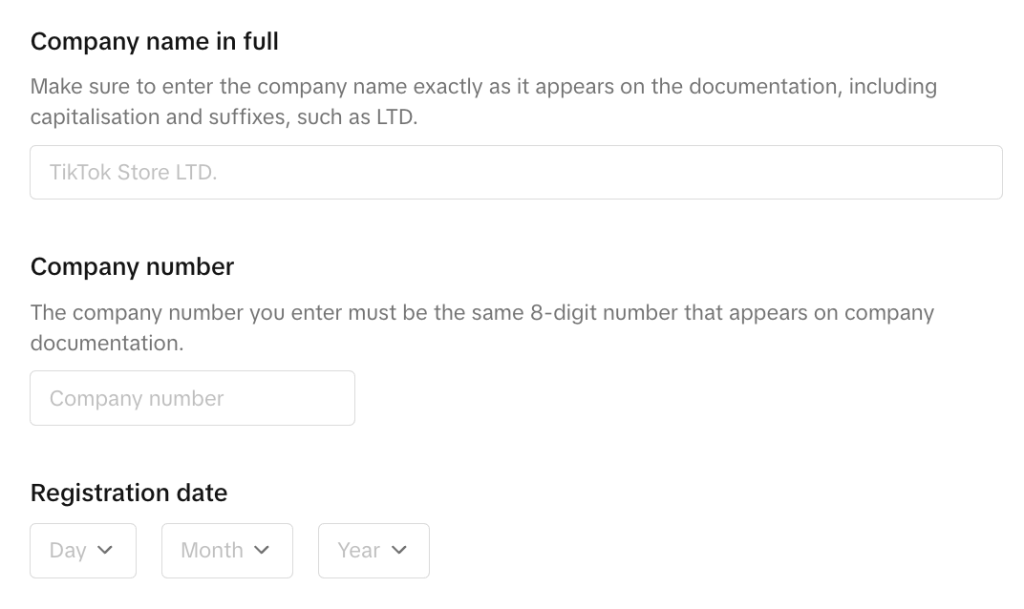
3. Add Product Catalog
Once approval has been granted, login to Seller Centre and select ‘Add Products’. Make sure to include important details such as:
- Product name and description.
- High-quality images or videos.
- Price and inventory details.
- Shipping information and costs
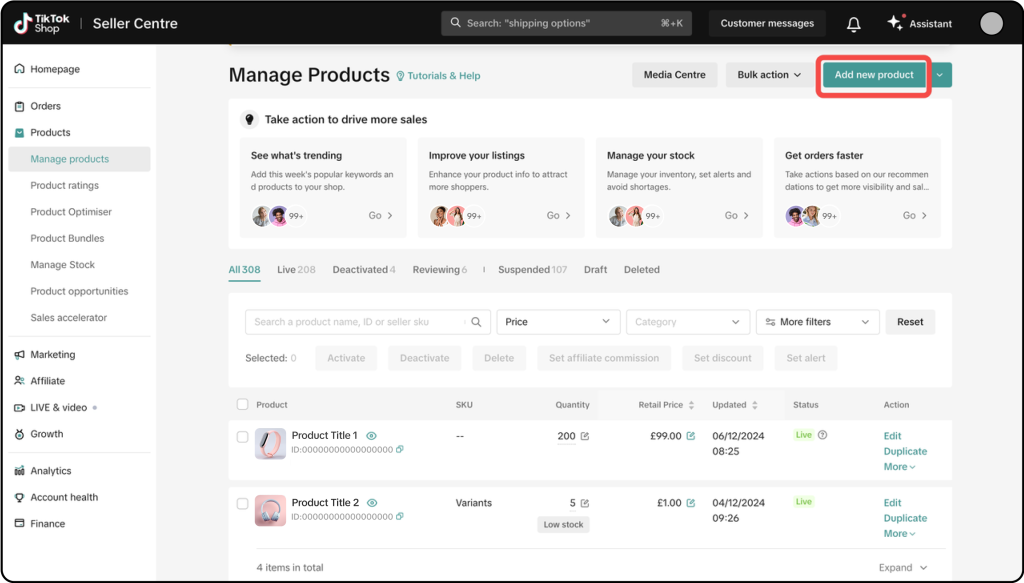
4. Connect Your E-Commerce Platform to TikTok
You may integrate your TikTok shop with platforms like Shopify if you currently use them to effectively track sales and sync product listings using TikTok for Business.
5. Optimise for Algorithm
Visibility and Discoverability are key to ensure your shop is being pushed to potential customers. This can be improved by:
- Creating high quality content that showcases products effectively.
- Collaborate with TikTok influencers to promote products (keep your demographic audience in mind).
- Run promotions such as free delivery with certain spend in conjunction with ads (learn more about types of TikTok ads here).
6. Go LIVE
TikTok LIVE Shopping offers viewers the chance to directly purchase and see products displayed / demonstrated in real-time. Hosting regular live streams also allows you to answer popular questions and speak directly to potential customers to encourage purchases. You can also create LIVE shopping ads using past streams:

Top Tips:
- Make use of quality images and videos – Upload high-quality content to showcase your products – you can even reach out to customers to make use of well-made UGC.
- Actively engage with customers – Respond to commenters and reviews left to build trust and rapport with your customers.
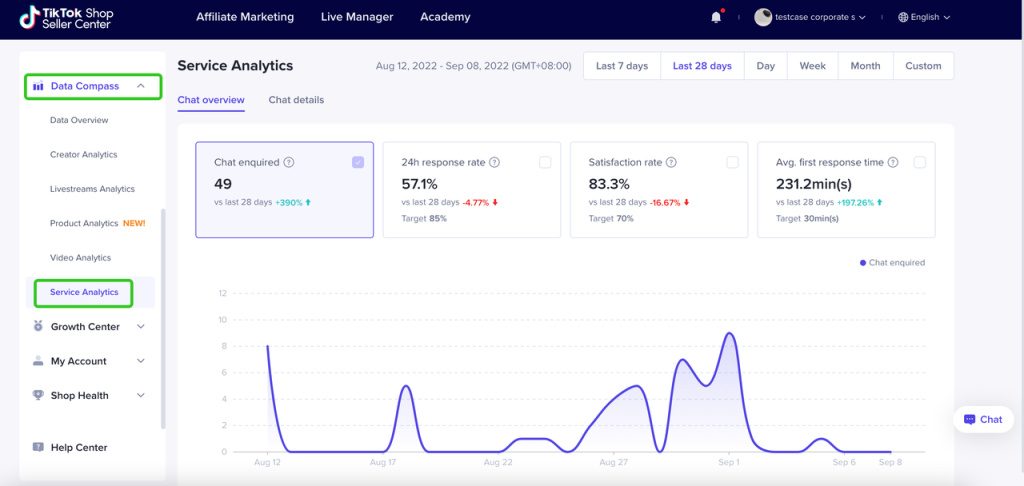
- Track metrics to monitor performance – Track audience behaviours, views, and sales with TikTok Shop analytics. Use this to adjust your approach accordingly.
In summary, TikTok Shop is not only a growing new sales channel but an opportunity for brands to connect with their audience, showcase product offerings and grow both their e-commerce and overall online presence. Use the above guide to set up your TikTok Shop and tips to ensure you are making full use of the platform.
Interested in Learning More?
If you’re interested in learning more about TikTok marketing or need support with setting up your TikTok shop or campaigns, feel free to leave a comment below or contact us at contact@glowmetrics.com. Additionally, you can stay updated by following GlowMetrics on X or LinkedIn, or by subscribing to our newsletter for the latest tips and news in the realm of Digital Analytics and Marketing.
Don’t forget to sign up for a complimentary account on our Resource Hub to access a wealth of valuable resources, including exclusive Digital Marketing and Digital Analytics how-to videos and insights!