
Unlocking Opportunities for Nonprofits with Google Ad Grants
In the ever-evolving digital landscape, nonprofits face the challenge of standing out in the crowded online space to amplify their impact. Enter Google Ad Grants – a cost-effective solution for charitable organisations wanting to enhance their online presence. As a digital marketing agency, we recognise the importance of strategic advertising, and in this guide, we’ll explore how Google Ad Grants can be a valuable tool for nonprofits, from accessing around €/£7000 in monthly advertising credits to navigating the setup process. Our aim is to provide actionable insights for nonprofits, empowering you to leverage this initiative for increased visibility and impact.
What is Google Ad Grants?
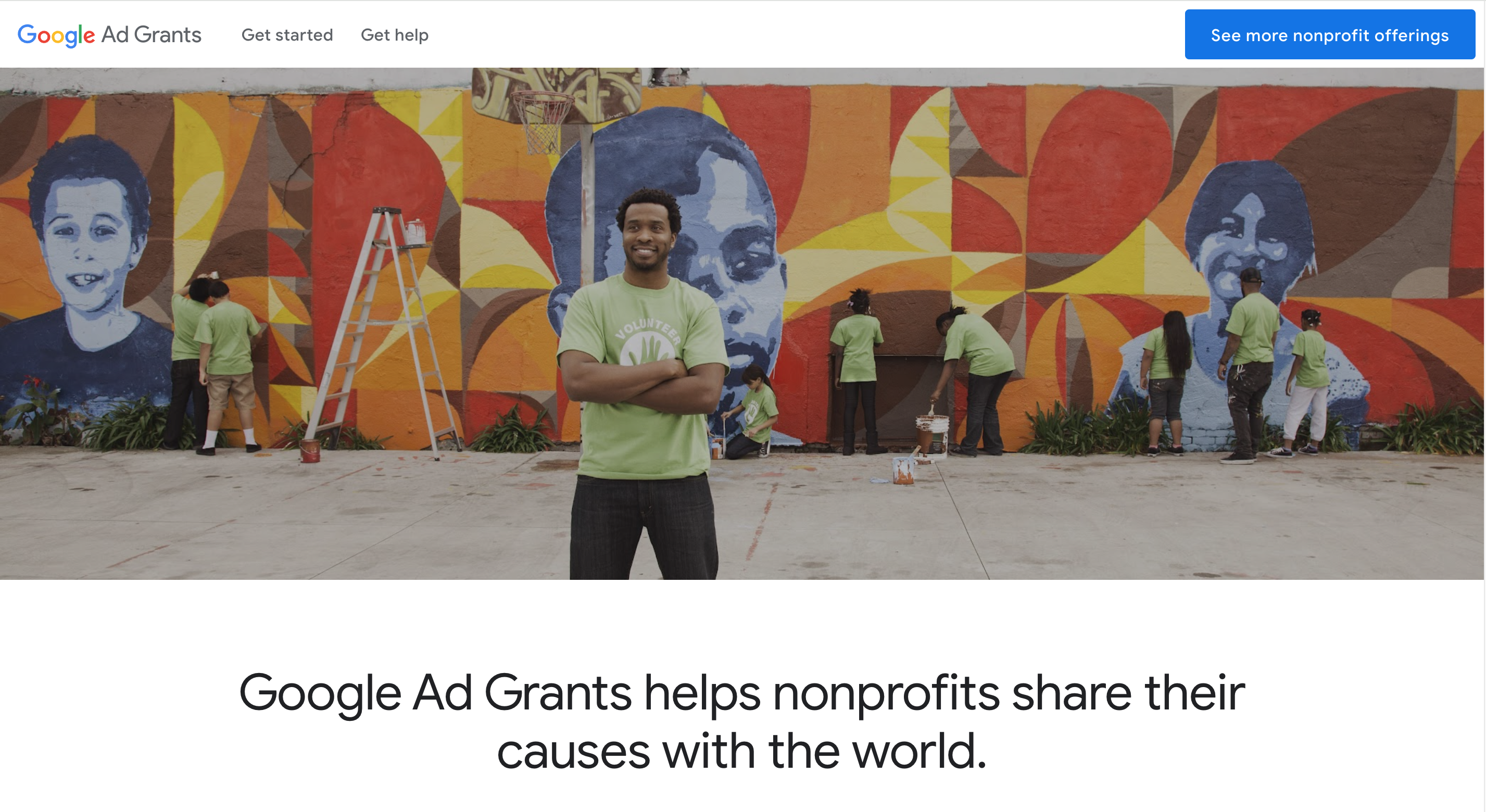
Google Ad Grants is a philanthropic initiative by Google that provides eligible nonprofit organisations with free advertising credits to use on the Google Ads platform. Essentially, it’s a digital marketing lifeline for nonprofits, offering up to €/£7,000 in monthly advertising credits. With Google Ad Grants, nonprofits can create and manage targeted ads (directed towards your audience) to appear in Google Search results helping them to;
- Reach Target Audiences: Connect with potential donors, volunteers, and consumers precisely when they are searching for keywords relevant to your nonprofit’s mission.
- Raise Awareness: Build visibility by selecting relevant keywords (words or phrases that are used to match your site with the terms that people are searching for) and crafting unique ads that showcase the impactful work your organisation is doing.
- Track Key Metrics: Utilise tools to monitor online donations, newsletter sign-ups, and volunteer registrations, gaining insights into the effectiveness of your campaigns.
- Promote Website Presence: Leverage in-kind Google Ads advertising to promote your organisation’s website on Google, ensuring greater visibility and engagement with your audience.
Who is eligible for Google Ad Grants?
To be eligible, an organisation must:
- Be registered as a charitable organisation in an approved country (The UK and Ireland are included here).
- Be verified as a non-profit organisation by Google for Nonprofits’ validation partner Percent (learn more about getting verified with Percent here).
- Meet the requirements of its own country (more information on the requirements in the UK and Ireland).
- Have a website that meets Ads Grants Website Policy Requirements.
- Must agree to Google Ad Grants Program Policies and additional Terms of Service.
Your nonprofit is ineligible if:
- You are a government organisation or entity.
- You are a hospital or healthcare organisation. However, charitable arms or foundations associated with healthcare organisations may be eligible.
- You are an academic institution, university or school. However, charitable arms of educational organisations may be eligible.
Setting up a Google Ad Grants account
Now that we know if your organisation is eligible, we can help you get started with your account! This usually entails three steps.
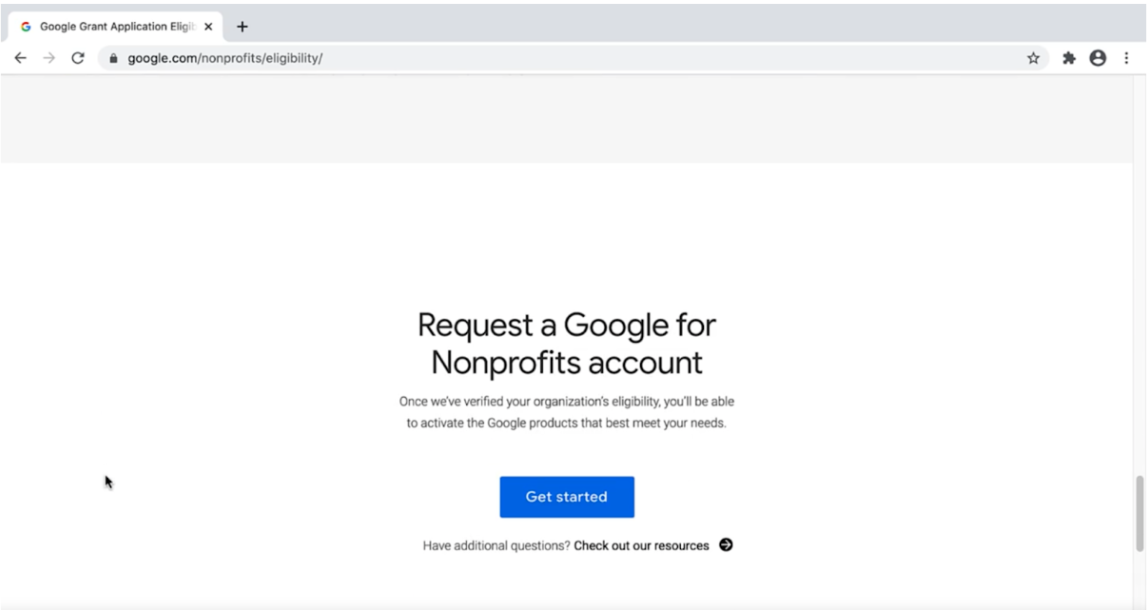
1.Apply for a Google Nonprofits Account
Eligibility requirements apply, but these are much the same as the eligibility criteria for Google Ads itself.
2.Activate Ad Grants
TIP: You will need to use the same login email for both your Nonprofits and Ads Grants accounts, so make sure this is a secure organisation email that you can access easily.
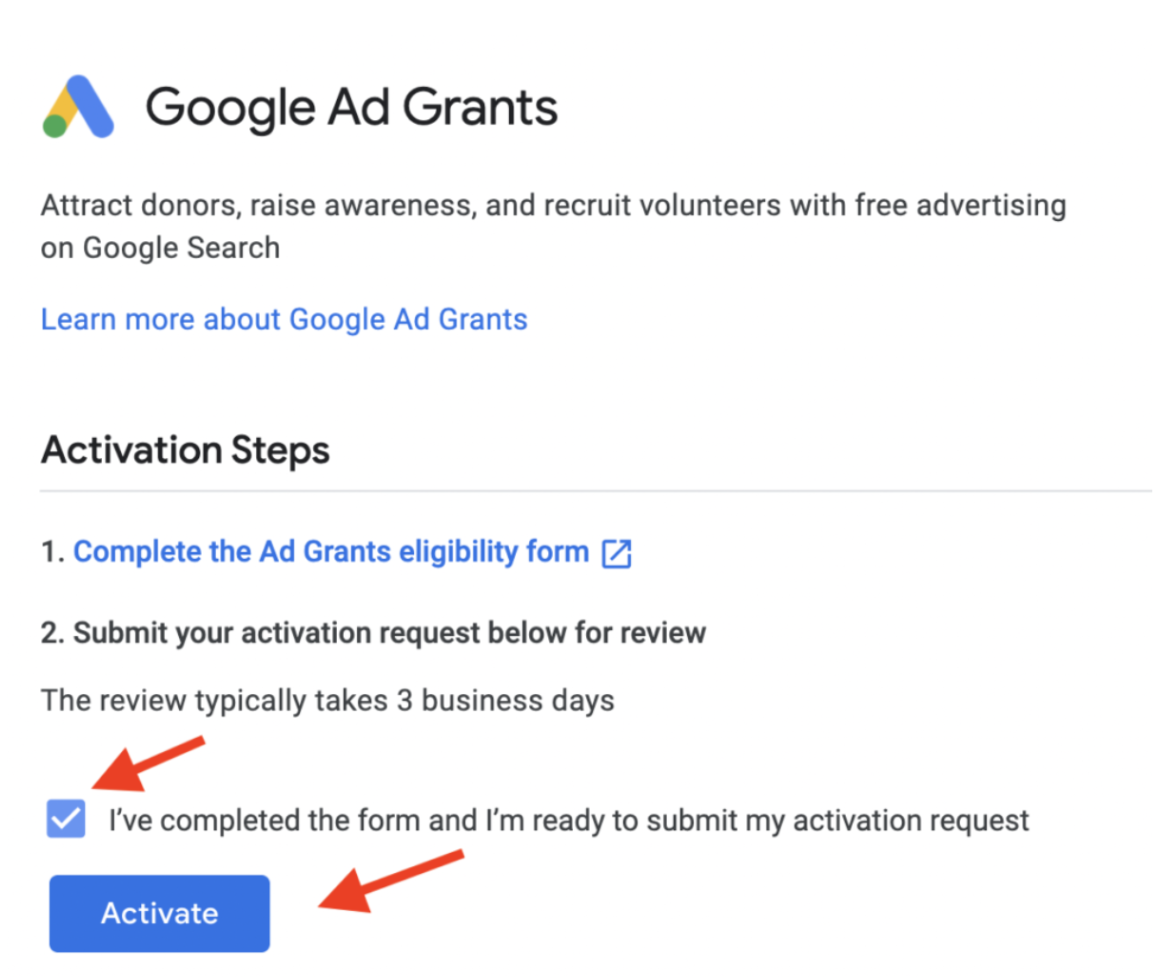
Log in to your Google for Nonprofits account, navigate to ‘Activate products,’ select ‘Get started’ under Google Ad Grants, fill in the necessary details, and click ‘Activate’ to initiate the review process for your organisation.
NOTE: It can take around five business days for the first two steps to be completed due to time taken for organisation verification with Google.
3. Launch your first Ad Grants Campaign
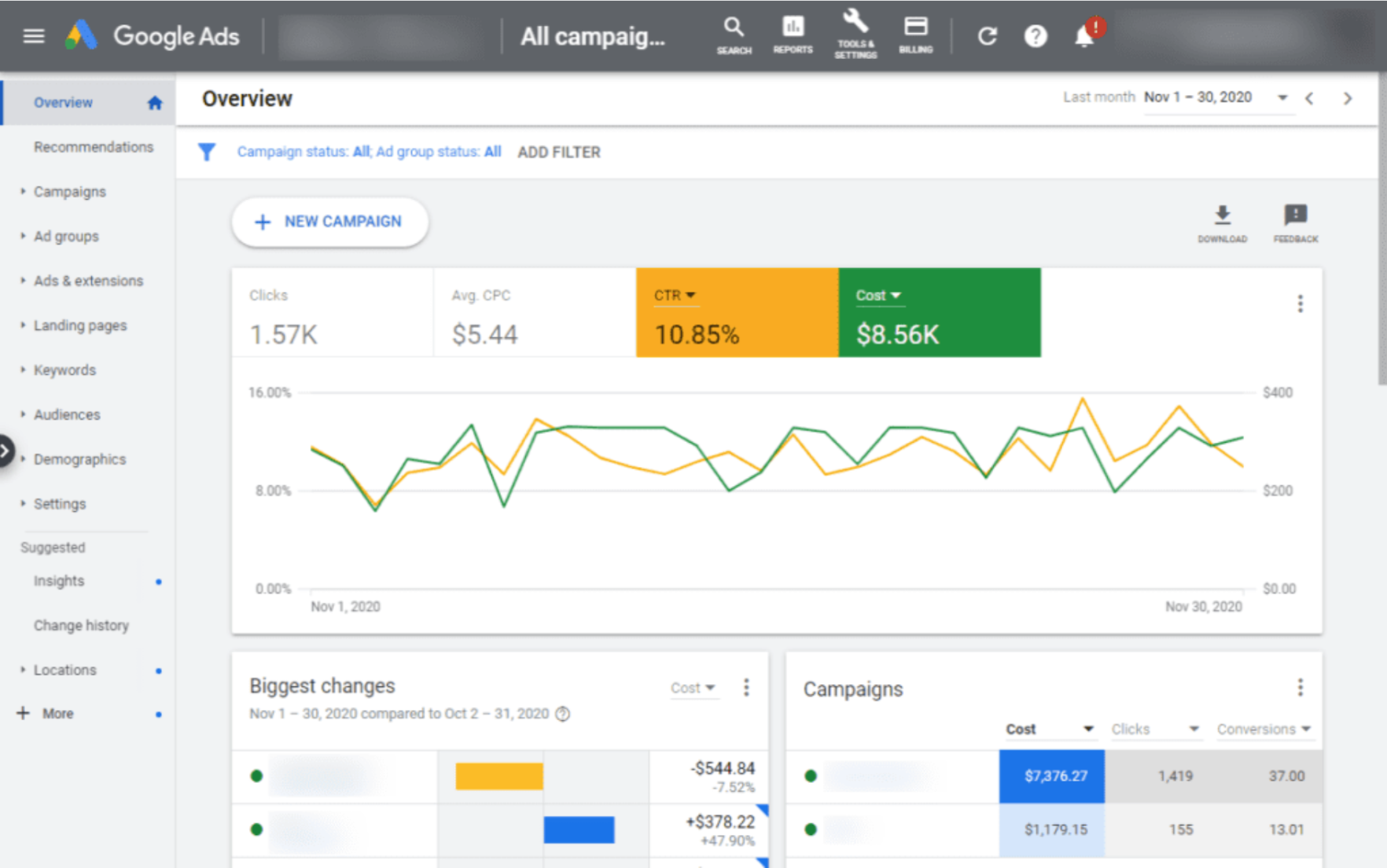
Once your activation request is approved, and you’ve accepted the email invitation to your Ad Grants account, you’re ready to dive into setting up your initial campaign. Unsure about how to proceed? The team at GlowMetrics can assist you in setting up your account and building your campaigns – get in touch here!
Google Ads Grants – Key Considerations
- Google Ad Grants is specifically tailored for Search Ads, meaning that your ads will exclusively appear in search results and won’t extend to other formats such as Display Ads or video placements. It’s crucial to align your campaign strategy with this focus on search visibility to maximise the impact of your Ad Grants.
- Ad Grants imposes a $2.00 maximum cost per click (CPC) constraint, meaning that each click on your ad won’t cost more than $2.00. To work around this limitation and potentially drive better performance, consider leveraging advanced bidding strategies like Maximise Conversions. This strategy allows the system to dynamically adjust bids based on your account’s performance, ensuring efficient use of your budget and maximising the impact of your campaigns.
- Ad Grants ads are positioned below paying Google Ads advertisers in search results. While this still ensures visibility, it’s important to optimise your campaigns strategically. Enhance your ad relevance and quality to compete effectively for attention, making the most of your placement to drive traffic and achieve your nonprofit’s goals.
Want to Learn More?
If you’re interested in learning more about Digital Marketing for Nonprofits or require support with your Google Ads (paid) or Paid Social campaigns, feel free to leave a comment below or contact us at contact@glowmetrics.com. Additionally, you can stay updated by following GlowMetrics on Twitter, LinkedIn, or Instagram or by subscribing to our newsletter for the latest tips and news in the realm of Digital Analytics and Marketing.
Don’t forget to sign up for a complimentary account on our Resource Hub to access a wealth of valuable resources, including exclusive Digital Analytics and Digital Marketing how-to videos and insights!